





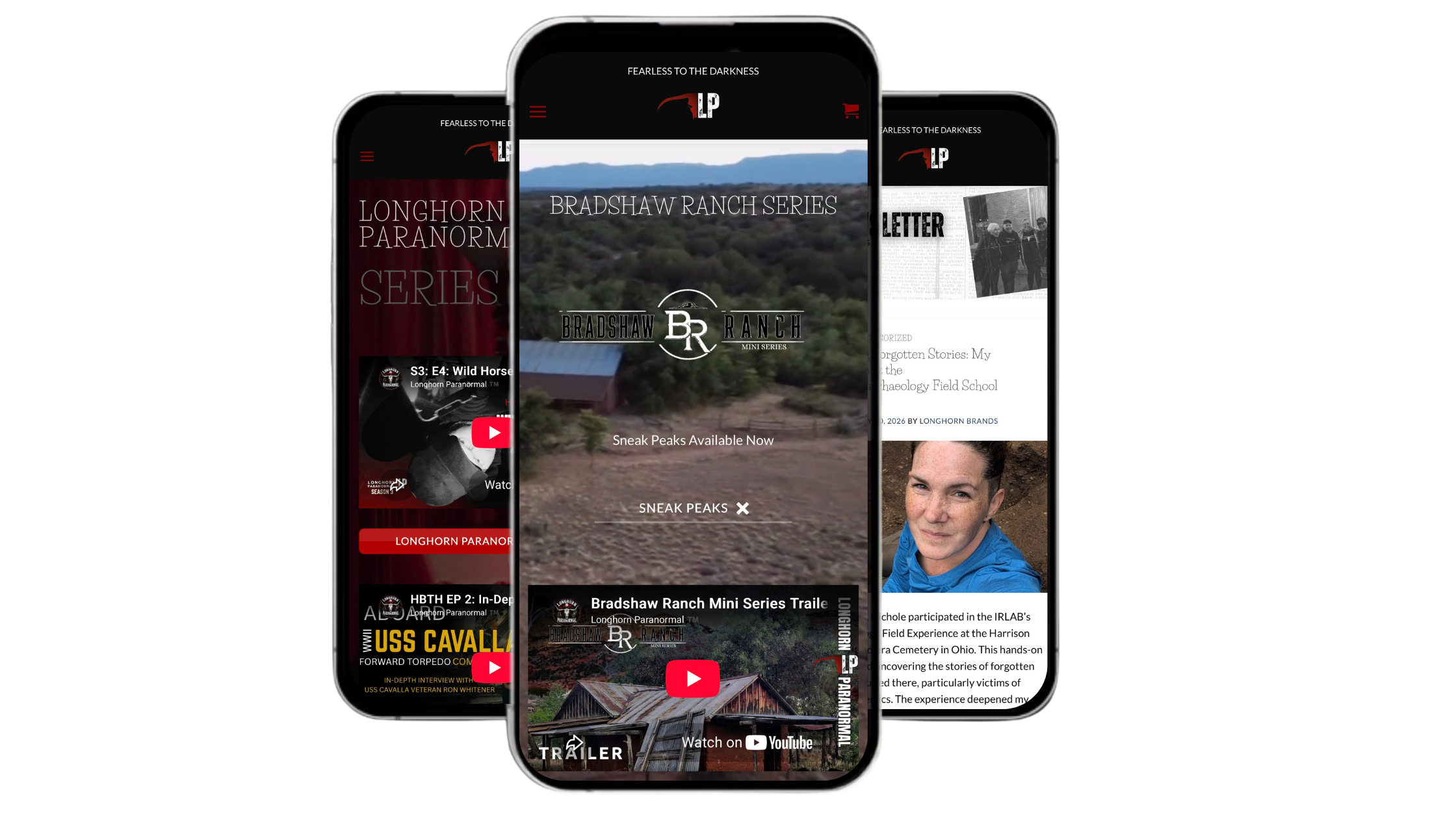
LP NOW DIGITIZED FOR APPS
DOWNLOAD ON APPLE | IOS
Install the Longhorn Haunts App. Get instant access to Longhorn Paranormal right from your iPhone, no App Store download required.
- Open Safari and visit LonghornHaunts.com.
- Tap the Share button.
- Select Add to Home Screen.
- Tap Add.
The Longhorn Paranormal app icon will appear on your Home Screen, giving you one-tap access to the latest videos, articles, investigations, and exclusive content without sizing issues or excessive buttons.
DOWNLOAD FOR ANDROID
- Open Google Chrome on your Android phone.
- Go to LonghornHaunts.com
- Tap the ⋮ (three-dot menu) in the upper-right corner.
- Tap Add to Home screen.
- (you may see Install app instead.)
- Confirm the name if you’d like, then tap Add or Install.
PSALMS 91
Copyright © 2026 | Longhorn Paranormal LOGO, SLOGAN, NAME ALL RESERVED MARKS OF LONGHORN PARANORMAL. LONGHORN PARANORMAL HAS RIGHTS RESERVED AND AGREEMENTS WITH THE UNIVERSITY OF TEXAS ON RESERVATIONS AND USE OF THE LOGO, SLOGAN, AND IMAGES. REUSE IS PROHIBITED. Software and Design: Copyright © 2026 Longhorn Paranormal, its suppliers or licensors. All rights reserved. Content: Copyright © 2026 Longhorn Paranormal, its suppliers or licensors. All rights reserved.
VISIT ONGUARDONLINE.GOV FOR SOCIAL NETWORKING SAFETY TIPS